How to plan a cybersecurity budget with SMB clients, one line at a time
How MSPs and MSSPs can plan a cybersecurity budget with SMB clients: start from current spend, sort it into lines finance can check, and rank it by risk.
- A cybersecurity budget starts with what the client already spends, including security costs hidden in other contracts and licenses.
- Sort spend into budget lines finance can check, rank each line by the business risk it addresses, and phase the changes into a roadmap.
- Every request needs a cost, the risk it addresses, and a recorded decision, and the plan is compared with actual invoices through the year.
In this article
- How to plan a cybersecurity budget: the yearly cycle
- Start from what the client pays for today
- Lines finance can check
- Rank by business risk
- Phase the changes into a roadmap
- A business case the owner can follow
- Why industry percentages are a weak starting point
- Review against invoices each quarter
- Where the Financials module of Mahoney Control fits
- Frequently asked questions
When a small or midsize client’s cybersecurity budget is whatever is left over after the IT invoice is paid, nobody planned it. It grew one tool, one renewal, and one incident at a time, and when the owner asks what it buys, the answer is a list of product names.
This article is for managed service providers (MSPs) and managed security service providers (MSSPs) who sit down with SMB clients once a year to set that budget. It shows how to plan a cybersecurity budget as a yearly cycle: find out what the client spends today, sort the spend into lines finance can check, rank each line by business risk, phase the changes into a roadmap, make the business case to the owner, and review the plan as the year runs.
It doesn’t tell you how much a client should spend. That number comes out of the process. It isn’t an input to it.
How to plan a cybersecurity budget: the yearly cycle
The cycle has six steps. Each one produces something the next step needs.
| Step | What you produce | Who you need in the room |
|---|---|---|
| 1. Current spend | A list of everything the client pays for security today | Finance lead, your own billing records |
| 2. Budget lines | That spend sorted into lines with an owner and a unit cost | Finance lead |
| 3. Risk ranking | Each line tied to the business risk it addresses | Owner or general manager |
| 4. Roadmap | Changes phased by quarter, one-time and recurring costs kept separate | Owner, finance lead |
| 5. Business case | One page per request, with a recorded decision | Owner, finance lead |
| 6. Review | Plan compared with actual invoices, adjusted when the business changes | Finance lead |
The order matters. A roadmap built before the current spend is known can buy things the client already pays for. A business case built before the risk ranking can end up arguing for whatever is newest.
Start from what the client pays for today
When security costs sit on invoices that carry other names, the total is hard to see. Collect them in one place before you discuss anything new:
- Your own invoices to the client. Separate the security share of a managed services agreement from the rest, and say how you split it.
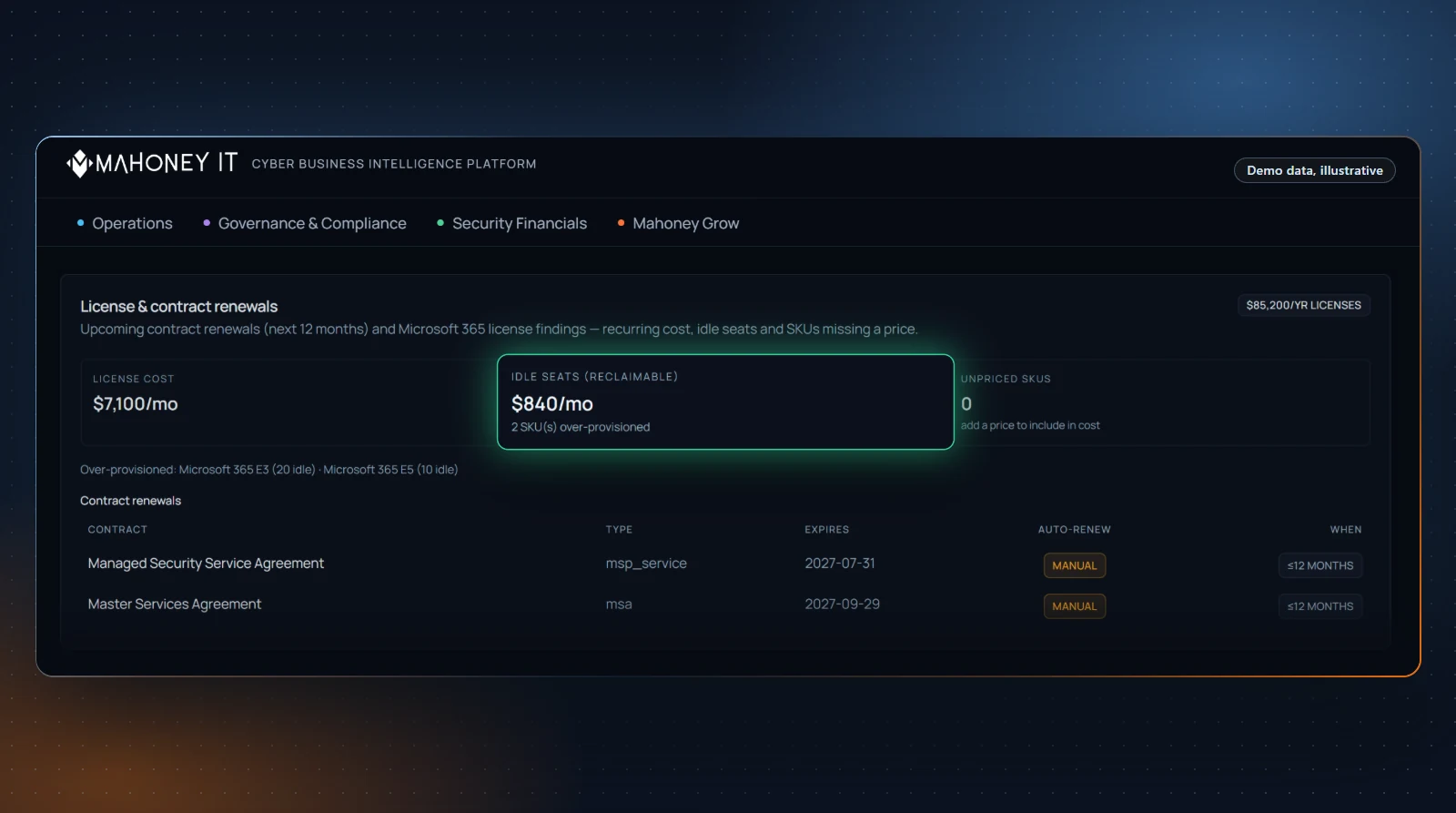
- Software and license renewals. Endpoint protection, email filtering, backup, password management. Some security features may come bundled in licenses the client already pays for, such as a productivity suite. Note them, so the plan doesn’t buy the same capability twice.
- Other providers. A separate backup vendor, a firm that runs phishing simulations, an outside consultant who prepared a questionnaire.
- Internal time. Hours the client’s own staff spend on security tasks. Agree on an hourly rate with finance and record it as an estimate.
- Insurance. Decide with the client whether the cyber insurance premium belongs in the security budget or stays with other insurance, then note the decision so nobody counts it in both places.
Write down the period each figure covers and whether it is invoiced, contracted, or estimated. A total built from a full year of invoices is a different kind of figure from one assembled out of three quotes and a guess.
Lines finance can check
A cybersecurity budget breakdown works when finance can trace every line back to a contract or an invoice. Group the spend by what it protects or does, not by vendor. Vendors can change while the purpose of a line stays the same.
| Budget line | What it typically covers | Evidence finance can check |
|---|---|---|
| Endpoint protection | Protection on laptops, desktops, and servers | License count, renewal invoice |
| Identity and access | Multi-factor authentication, password management, access reviews | License count, provider invoice |
| Email security | Filtering, phishing protection | Renewal invoice |
| Backup and recovery | Backup software, offsite copies, restore tests | Invoice, restore-test records |
| Detection and response | Monitoring, managed detection and response, security operations | Service agreement |
| Security awareness training | Training and phishing simulations | Invoice, participation records |
| Policies and assessments | Risk assessment, policy work, questionnaire support | Statement of work |
| Incident response reserve | Money set aside for outside specialists after an incident | Board or owner decision |
Two details make the lines easier to defend. First, give each line a unit cost where one exists: per user, per device, per site. Unit costs show finance why a line grows when the company grows. Second, keep one-time costs apart from recurring ones. A project that ends in March shouldn’t sit in next year’s run rate.
Without an incident response reserve, a serious incident turns into a spending decision made under pressure. Our guide on how to calculate the cost of a security incident shows how to build the figures that help size it.
Rank by business risk
A list of budget lines says what the client pays for. It doesn’t say what matters most. For that, tie every line to a risk the owner recognizes in business terms: orders that stop, payroll that can’t run, customer data that leaves the building, a contract the client can no longer fulfill.
Ask the same three questions for each line:
- What happens to the business if this control fails or is missing? Answer in operational terms. “Nobody can send invoices” lands with an owner. “EDR coverage gap” doesn’t.
- How likely is that, given what you see in the environment? Use what you have found yourself: unpatched systems, accounts without multi-factor authentication, backups nobody has tested.
- What would it cost? Use the client’s own incident cost figures where you have them, and label every estimate as modeled.
Then put each line into one of three groups:
- Keep: controls already in place that address a real risk. These form the base of the budget.
- Fix: gaps where a risk is real and nothing addresses it today. Our article on turning security gaps into recommendations covers how to present them.
- Reconsider: spend that no longer maps to a risk the client cares about, such as a tool that overlaps with another or protects a system that is gone.
The reconsider group is where you earn trust. A plan that also removes spend shows the client that the plan follows their risk.
Some clients face requirements from customer contracts, regulators, or insurers. Whether a given requirement applies to the client is a question for their counsel or broker. Your part is to record the requirement as a source for a budget line once the client confirms it.
Phase the changes into a roadmap
Closing every gap in one year may not fit the client’s budget. A roadmap spreads the fix group across quarters, so the client can see what comes when and what each step costs.
Build it from four inputs:
- Dependencies. Some controls only work once others are in place. Access reviews mean little before accounts are cleaned up.
- Renewal dates. Contract end dates decide when a line can change without paying twice. Pull them from the current spend list.
- The client’s calendar. A busy season, an office move, or a system migration limits what the client’s staff can absorb in a given quarter.
- Cash. Spread large one-time costs so they don’t all land in the same quarter.
Keep the roadmap to one page: quarters across the top, budget lines down the side, one-time and recurring costs in separate rows. The client should be able to read it without you in the room.
A business case the owner can follow
The owner and the finance lead make the decision. To justify a cybersecurity budget request without asking them to take your word for it, give each request in the fix group its own short page with the same five parts:
- What it is, in one sentence without product names.
- What it costs, one-time and recurring, from a quote or a contract.
- The risk it addresses, taken from the risk ranking.
- What that risk could cost, from the client’s own incident figures, labeled as modeled.
- What happens if the client declines, and a line for the decision.
Here is a hypothetical example, for illustration only. A client keeps all project files on one server with a local backup in the same room.
| Part | Content |
|---|---|
| Request | Add an offsite backup copy and a quarterly restore test |
| Cost | $1,800 one-time setup, $240 per month (from the quote) |
| Risk addressed | Ransomware or a fire takes out the server and the local backup together |
| Possible cost | Modeled from the client’s incident worksheet, with the downtime rate agreed with finance |
| Decision | Approved / deferred to Q3 / declined, with the risk accepted within the obligations that apply to the client |
The decision line matters as much as the request. When an owner declines a recommendation, a recorded decision documents that the risk was presented and that the client chose to accept it within the obligations that apply to the client. Check how your own agreement handles declined recommendations, and ask counsel if it is silent on them.
How to put a return on these requests in dollars, and where those numbers get oversold, is covered in our guide on how to show clients the value of cybersecurity.
Why industry percentages are a weak starting point
Some published figures express cybersecurity spend as a share of the IT budget. Such figures give a number quickly, but they fit an SMB client poorly. They describe other companies, which may differ from this client in size and setup. Surveys can define “IT” and “security” differently, and at an SMB, security work can sit inside a managed services agreement that a survey may not count. Above all, a percentage says nothing about this client’s risk.
If an outside figure comes up, treat it as context, name the primary source, and keep it out of the plan.
Review against invoices each quarter
A budget approved in January and not opened again until December steers nothing. A light review rhythm keeps it in use:
- Each quarter, compare the plan with the invoices for the same period, line by line. Note the reason for every gap: a delayed project, a license count that grew, a price change at renewal.
- When the business changes, revisit the risk ranking. A new site, a new line of business, a new customer contract with security terms, or an incident can move lines between the keep, fix, and reconsider groups.
- Once a year, start the cycle again from step one, with the past year’s actual figures as the new baseline.
Some lines in the plan may be services you sell. Say so on the page, and keep the reconsider group honest. For an MSP, a cybersecurity budget the client can audit line by line is part of the service. Our article on client churn signals covers what else to watch in that relationship.
Where the Financials module of Mahoney Control fits
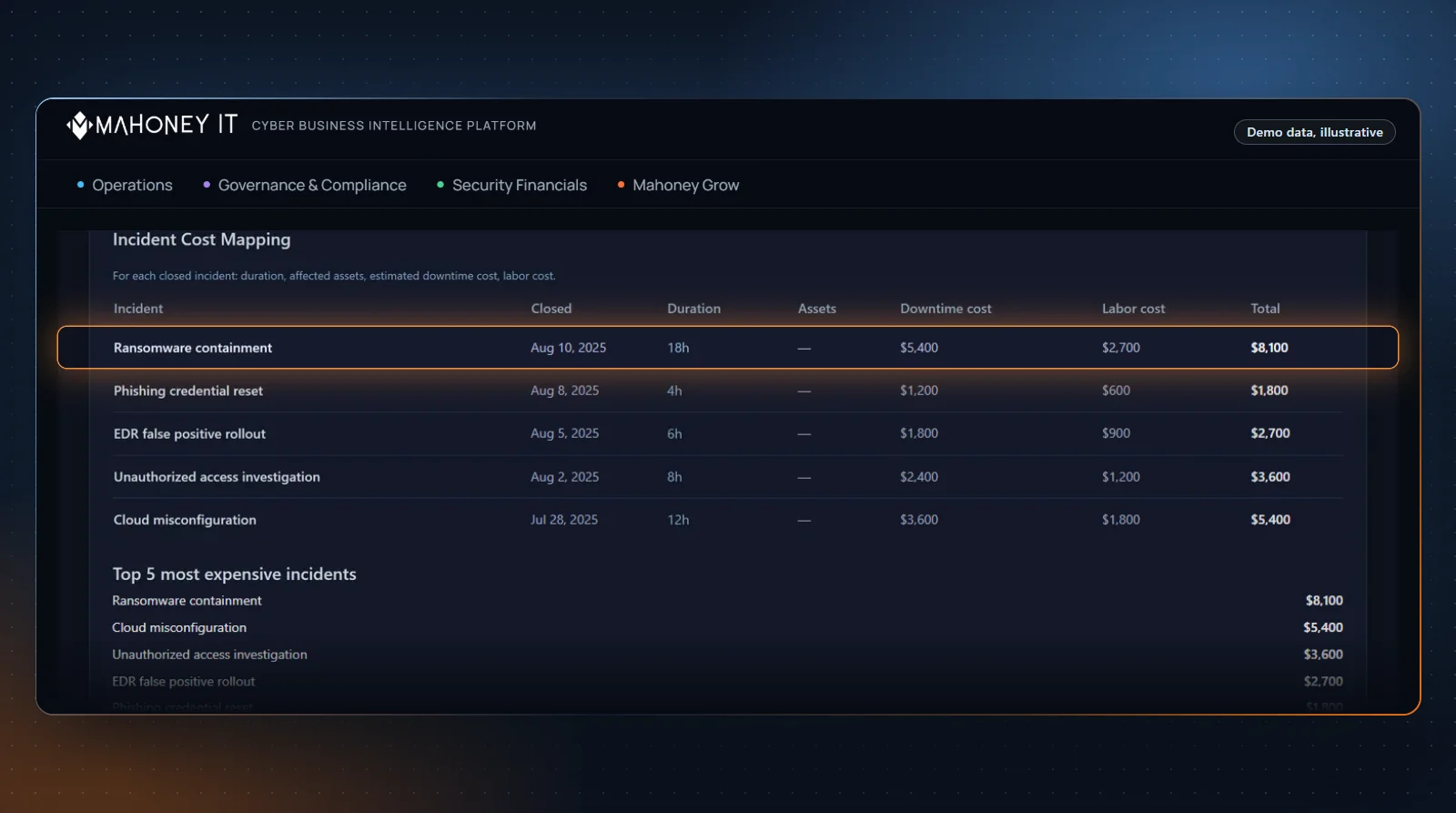
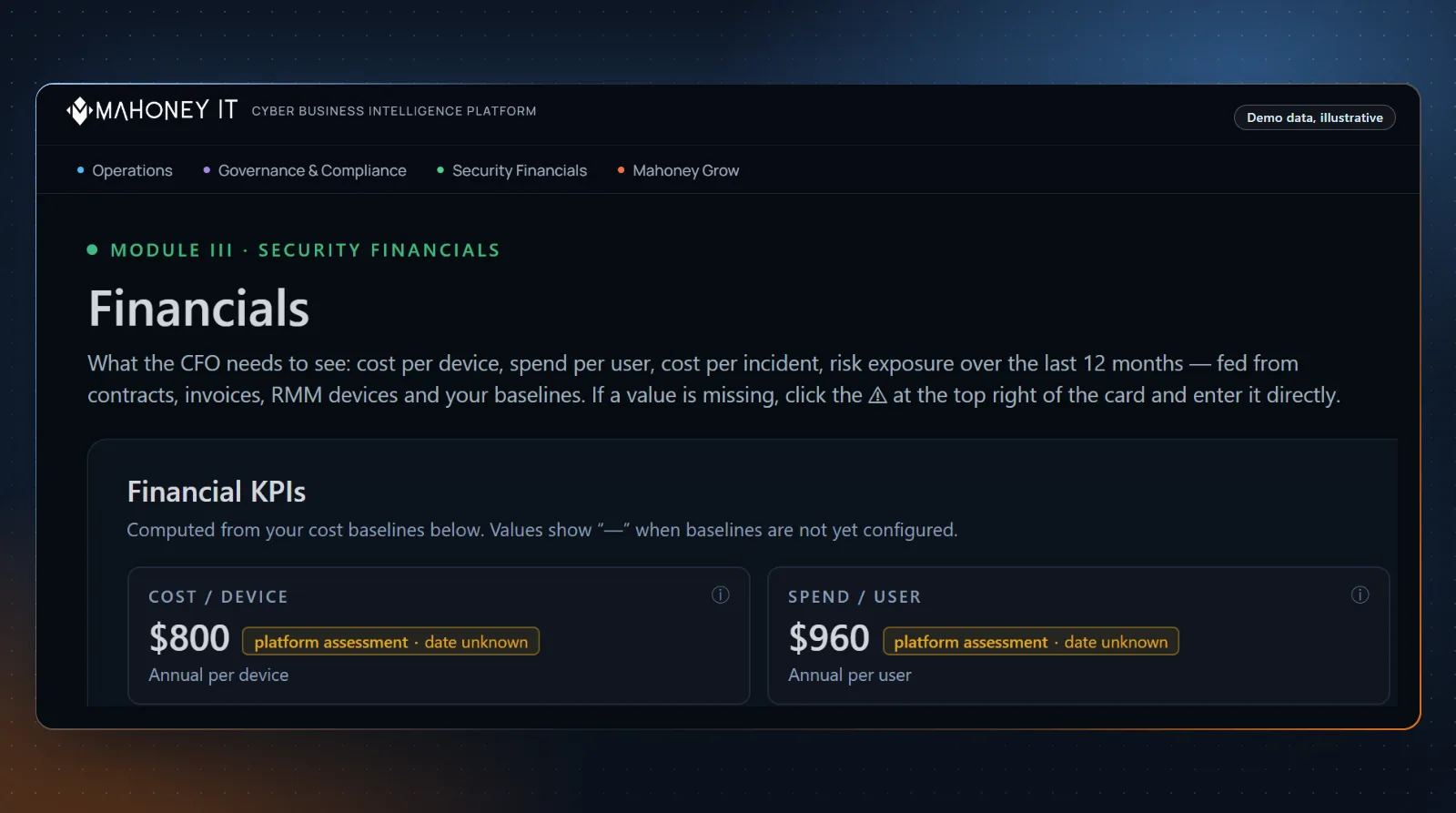
You can run this planning cycle in any spreadsheet. We built the Financials module of Mahoney Control for this conversation. It is designed to show these figures in dollars: spend per user, cost per device, cost per incident, and risk exposure. Spend breakdown by connector category, budget planning, and a CSV export for finance round out the module.
A CSV export gives the client’s finance team the monthly spend entered, the device and user counts, the average cost per incident, the cost per protected device, the spend per user, and the risk exposure for the last 12 months in a format they can open. The file doesn’t mark the risk exposure as modeled, so label it that way when you pass it on.
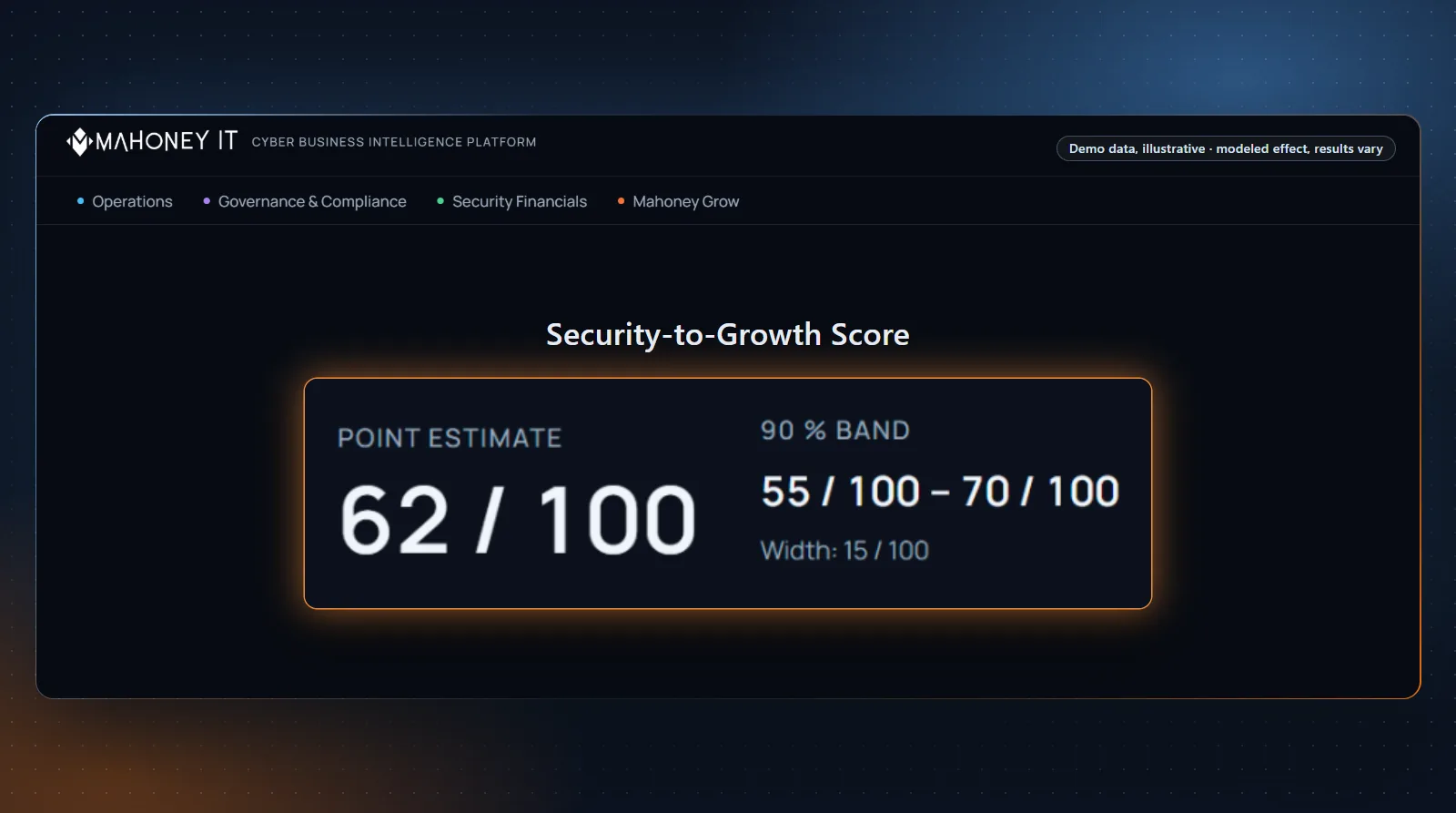
The counted-versus-modeled discipline in this article is a way of presenting numbers, and it stays your call. Before a figure goes in front of a client, check the cost values behind it, replace the default downtime and labor rates with the ones you agreed on with the client, and say which figures are counted and which are modeled.
Mahoney Control is multi-tenant: MSPs and MSSPs run each client in its own tenant, with strict tenant isolation per client. Each client’s figures are calculated from that client’s own environment, the values set for it, and platform defaults, never from another client’s data. Availability of the Financials module depends on the plan; see pricing for details. You can read more on our Financials overview.
If you’d like to see how the Financials module would present spend and risk for the clients in your own portfolio, request a no-obligation consultation.
Frequently asked questions
How do you plan a cybersecurity budget for a small business? Start with what the client already spends, including security costs inside managed services agreements and bundled licenses. Sort that spend into budget lines finance can check, tie each line to a business risk, and phase the changes into a quarterly roadmap. Each request gets one page with its cost, its risk, and a line for the decision.
How much should a small business spend on cybersecurity? There is no figure that holds across businesses. Published percentages describe other companies and say nothing about a given client’s risk. The amount follows from the client’s own risk ranking and roadmap. If you quote an outside figure, name the primary source.
What should a cybersecurity budget include? Typical lines are endpoint protection, identity and access, email security, backup and recovery, detection and response, security awareness training, policies and assessments, and an incident response reserve. Keep one-time and recurring costs apart, and give each line a unit cost per user or per device where one exists.
How do you justify a cybersecurity budget to a client’s owner? Tie each request to a risk the owner recognizes in business terms. Show its cost from a quote or contract, and what the risk could cost from the client’s own incident figures, labeled as modeled. Record the decision, including a decline with the risk accepted within the obligations that apply to the client.
How often should a cybersecurity budget be reviewed? Compare plan and actual invoices each quarter, and run the full cycle once a year with the past year’s actual figures as the new baseline. An incident, a new site, or a new customer contract with security terms is a reason to revisit the risk ranking early.
This article is general information on planning cybersecurity budgets. It does not constitute financial, legal, or insurance advice. Example figures are hypothetical and for illustration only. Values in the Mahoney Control Financials module are calculated from the environment, the values set for it, and platform defaults. Risk models are advisory.
Drafted with AI assistance, checked against our platform and website, and reviewed by Mahoney IT. How we write